
Product Safety Recall: Apeks XL4, XL4+ and OCEA Second Stage

A product safety recall has been initiated for certain Apeks XL4, XL4+ and OCEA second stages with serial numbers from 250402212 to 260402893, inclusive.
Affected products must NOT be sold or used until they have been inspected and, if necessary, repaired.
Please select your country below to download the official safety recall notice and further information in your language.
English
Recall consumer notice
Advice, Shearwater Peregrine Dive Computer
Essential Firmware Update for Shearwater Peregrine Dive Computers
Kasia Neugebauer | September 26, 2025
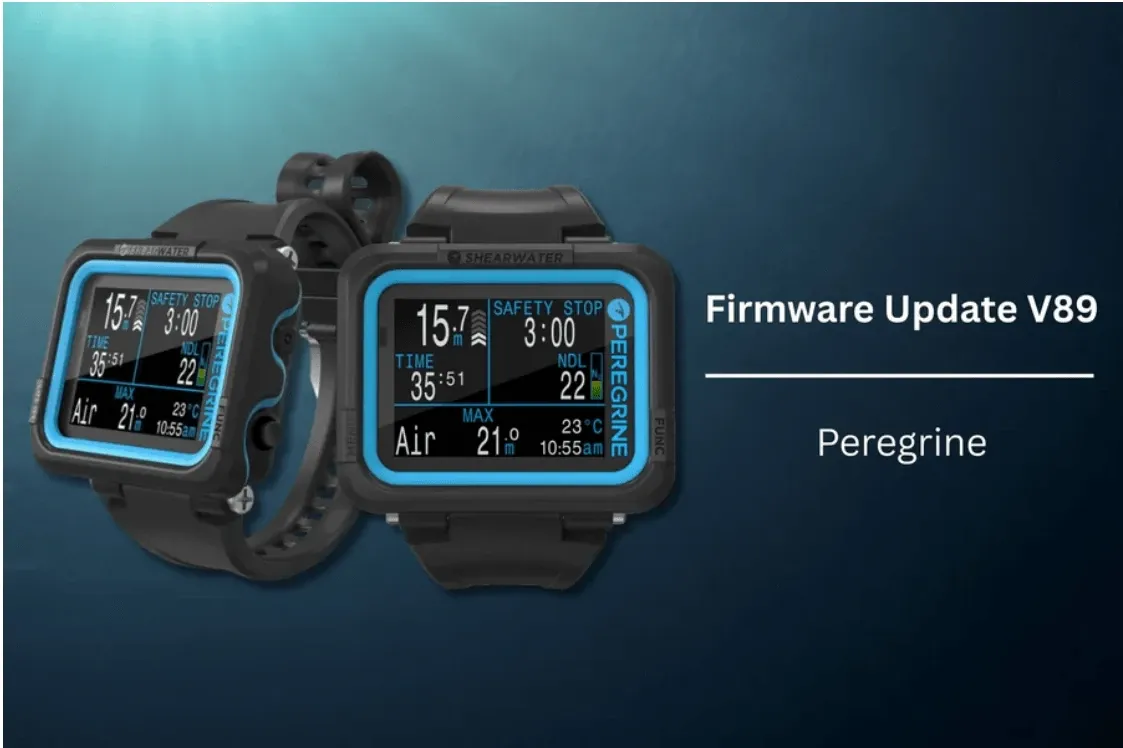
Shearwater has released an important firmware update (V89) for their Peregrine dive computers.
This update addresses a rare issue that could occur if a button is held down for more than 15 seconds while the unit is turned off. In this unlikely scenario, the dive computer would perform a watchdog reset and erase tissue data, potentially leading to inaccurate decompression information on a subsequent dive.
With the new update, the watchdog reset will still occur if the button is held for more than 15 seconds while the unit is turned off, however there will no longer be any impact to the tissue values and therefore no impact on decompression calculations.
Affected Models
The update applies to the following Peregrine models:
16001 Peregrine
16001-01 Peregrine Adv. Light
16001-02 Peregrine Adv. Dark
16001-03 Peregrine Rental
16001-04 Peregrine Professional
16003 Peregrine Demo
16031 Peregrine for Console Only
16100, 16101, 16102 Peregrine Console Versions
Note: Peregrine TX products are not affected.
How to Update Your Peregrine
- Ensure that you have the latest Shearwater Cloud installed
- In Shearwater Cloud, click or tap on the Connect icon
- On your Peregrine, press the LEFT button repeatedly until the Bluetooth option is highlighted and then select it by pressing the RIGHT button
- After a successful connection is achieved, select UPDATE FIRMWARE in Shearwater Cloud
- Follow the instructions in Shearwater Cloud
In case of any issues, you can find Peregrine support directly from Shearwater here: Peregrine Support
Why This Matters:
Although the probability of the issue happening is very low, Shearwater takes diver safety seriously and strongly recommends updating your Peregrine as soon as possible.
If you have purchased your Peregrine from us, we encourage you to connect your device to the Shearwater app and complete the firmware update before your next dive.